
Infographics · Diagnostics
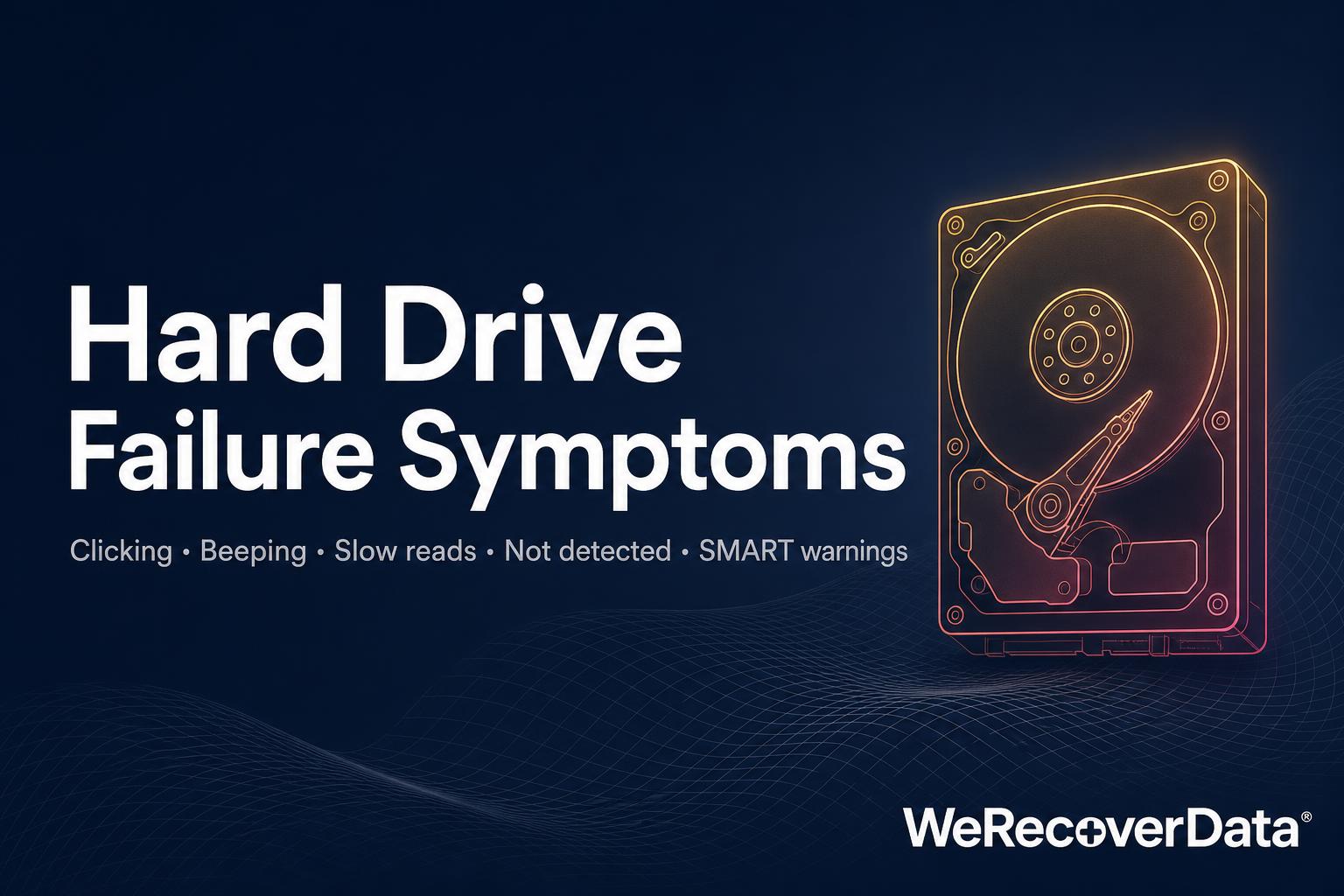
Hard Drive Failure Symptoms
What clicking, beeping, not-detected, slow reads and SMART warnings actually mean — plus the DIY actions to avoid before the data becomes unrecoverable.
Frequently asked questions
What does a clicking hard drive usually mean?
Repeated clicking is most commonly a sign of a head or actuator problem — the read/write head cannot park or read tracks correctly. Continuing to power the drive on can cause further damage to the platters.
Is a drive that beeps still recoverable?
Beeping usually indicates a stuck spindle or seized motor — the drive is drawing power but the platters cannot spin up. The data is typically still intact and recoverable in a controlled lab environment.
What should I avoid doing when a drive fails?
Do not repeatedly power-cycle the drive, run consumer recovery software on failing hardware, open the casing outside a controlled lab environment, or freeze the drive. Each of these can convert a recoverable failure into a permanent one.