
Case Study | Enterprise Virtualization Recovery
Recovering 93 Virtual Machines from an End-of-Life Datrium DVX Array
A discontinued storage platform, no vendor support and hardware already showing warnings. Within eight days, the client's most critical systems were safely back in its hands.
93
virtual machines stored on the array
126 TB
provisioned capacity, about 86 TB of real data
8 days
to recover and verify four critical systems, about 15 TB
0
discrepancies found in integrity checks
The situation
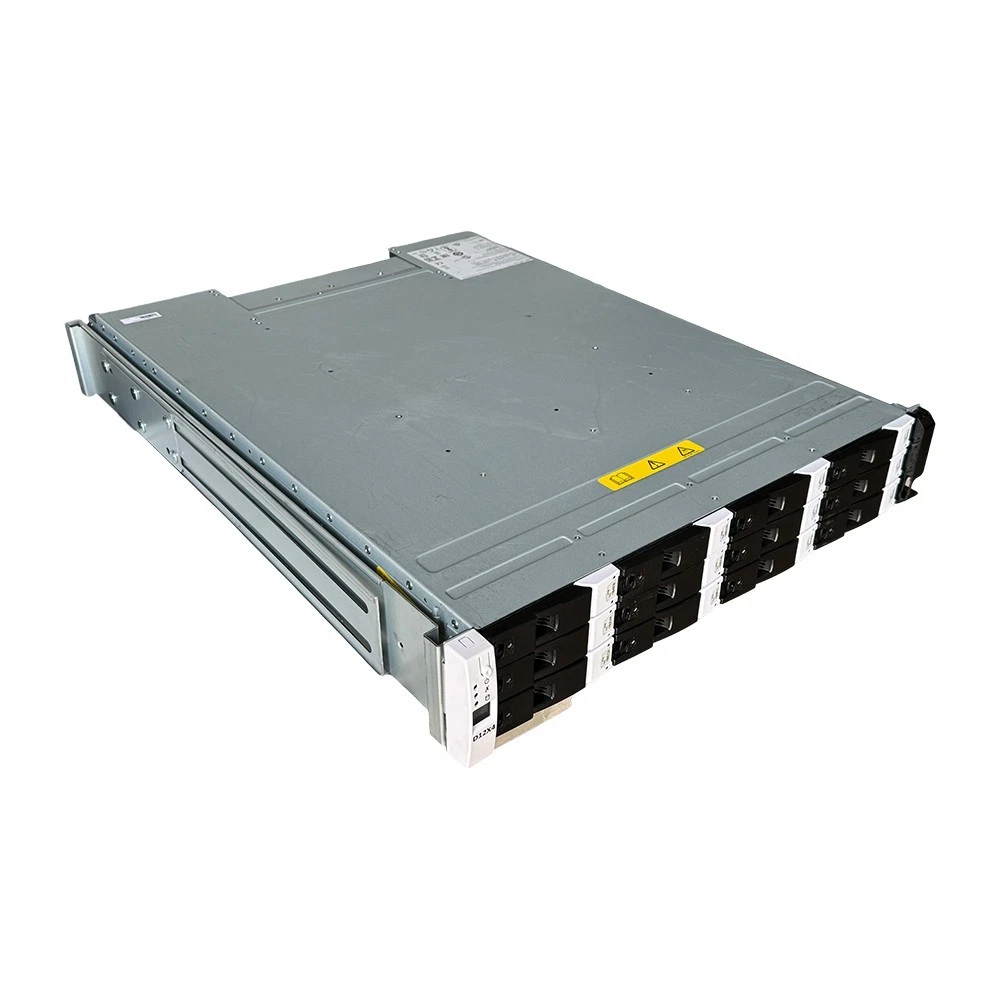
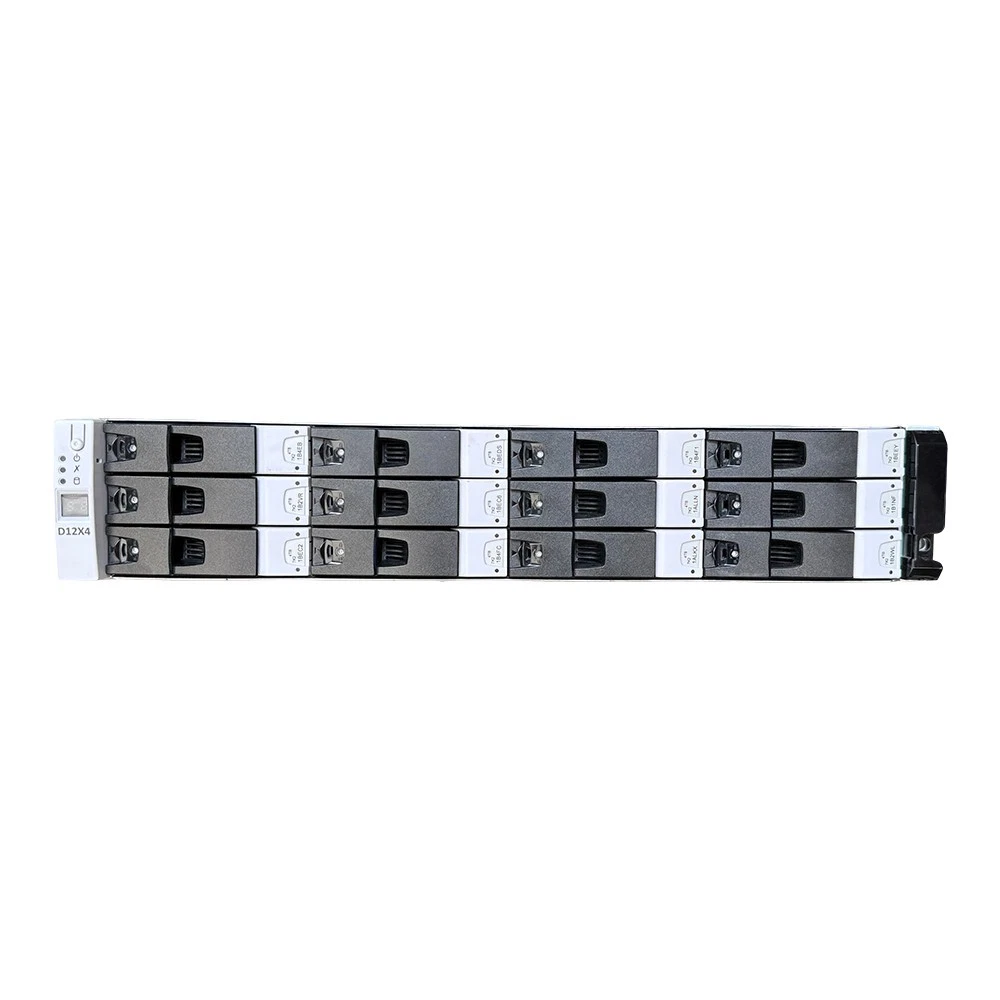
A corporate client ran its business on virtual machines hosted on a Datrium DVX hyperconverged storage system. Datrium was acquired by VMware in 2020, and the DVX platform has since reached end of life. By the time the client contacted us, the management environment that once connected to the array was gone, along with the licences and vendor support normally needed to reach the data inside it.
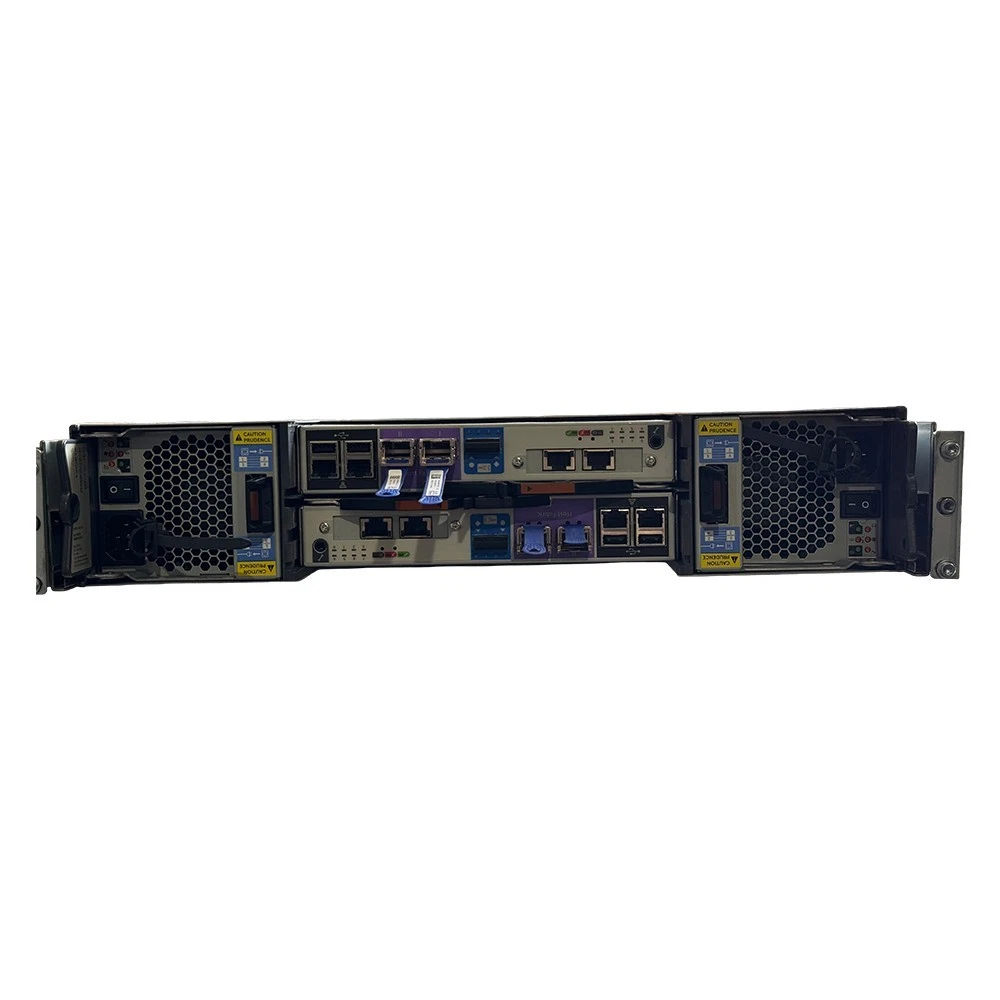
The array was still powered on and its drives reported healthy, but hardware warnings were active and the system was running in a degraded state. Around 93 virtual machines, covering business applications, databases and file servers, were stored on it and could not be reached by any supported method. Every additional week of operation on ageing, unsupported hardware raised the risk of losing access for good.
The challenge
No supported way in
With the vendor gone and the management layer missing, there was no documented procedure and no tooling for getting the data out.
A fragile source
Degraded hardware meant the original system had to be handled gently. Anything that stressed it or altered it was off the table.
Scale and time
Tens of terabytes of real data had to be moved, and the business needed its most important systems first.
Priorities that moved
Part-way through, the client sent a new list of systems it needed urgently. The plan had to change without losing momentum.
Our approach
We treated the array as irreplaceable. Everything we did was non-destructive: the data on the array was only ever read, and no recovered virtual machine was ever started.
Because no supported tooling exists for this situation, our engineers designed a purpose-built recovery environment and transfer process for this platform and this client. It ran around the clock under continuous monitoring and was built to pick up exactly where it left off after any interruption, so a hiccup never meant starting over.
Work was sequenced by business value. We agreed a priority list with the client first, recovered those systems first, and re-planned when the list changed. Every recovered system was checked against the source before we called it complete.
Project timeline
Day 0
Engagement begins. Array assessed and a safe recovery plan drawn up.
Day 2
Recovery under way, critical systems first.
Day 8
Four critical systems, about 15 TB, recovered and verified.
Day 15
Client sends an updated priority list. Plan re-sequenced the same day.
Day 18
Ten priority systems, about 13 TB of data, recovered and verified.
Day 21
Delivery storage prepared. Remaining systems still in progress.
Results
Critical systems first. The client's four most critical virtual machines, about 15 TB in total and including a single system of nearly 10 TB, were recovered and verified in eight days.
A second priority list, in days. When the client sent an updated list of 10 virtual machines, 37 virtual disks and about 13 TB of real data, all of it was recovered and verified in under three days.
Broad recovery. More than 70 of the 93 virtual machines had been recovered at the time of writing, with the remainder in progress.
Open, standard formats. Recovered systems are provided as standard VMware virtual disk files that any VMware environment can use, prepared on dedicated delivery storage. The client could choose a space-efficient delivery of about 13 TB or a fully expanded one of about 17 TB for the priority list.
Verified integrity. Checks against the source found no discrepancies.
Project snapshot
| Platform | Datrium DVX hyperconverged storage, end of life, no vendor support |
|---|---|
| Scale | 93 virtual machines, about 126 TB provisioned, about 86 TB of real data |
| Condition | Degraded hardware with active warnings; management environment unavailable |
| Client priority | Four critical systems first, then an updated list of ten |
| Method | Non-destructive and read-only, with every system verified against the source |
| Delivery | Standard VMware virtual disk files on dedicated storage |
What this means for your organization
End of life does not mean end of data. A platform can lose its vendor long before the data on it loses its value. If your storage platform is unsupported, find out now whether you can still reach your data without the vendor.
“It still powers on” is not a recovery plan. Degraded batteries, failed links and ageing components are early warnings. Act while the system is still readable.
Recover by business value. Agreeing the order of recovery up front means the most important systems come back first, and the plan can adapt when priorities change.
Verify before you declare victory. A recovery is only finished when the data has been proven to match the source.
Data stranded on an unsupported platform?
Talk to the WeRecoverData engineering team before the hardware makes the decision for you. We recover enterprise virtualization environments that vendors and other providers cannot.
Client details are withheld for confidentiality. Figures reflect progress at the time of writing.